BookingSolved
- How clients book
- The way they already message you
- Your calendar
- Apple Calendar, checked before saving
- Reply to the client
- Drafted for you, sent by you
- Needs
- No account, no portal
For salons, barbers and tutors: paste a client’s message, approve the booking, send the ready reply.
Drag the message onto what it needs, or tap one.
You asked
BookingSolved
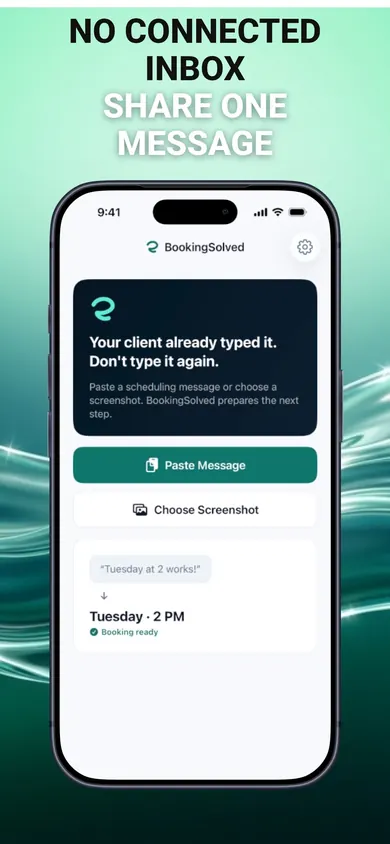
BookingSolved is an iPhone appointment booking app that turns client messages into Apple Calendar bookings. Paste a request like “Could I book Tuesday at 2?” and it finds the service, date and time, checks your Calendar, prepares the appointment and drafts a reply. Nothing changes until you approve.
Updated November 2026 · Honest Little Apps
You asked
BookingSolved
Three ways a solo pro handles appointment requests, side by side.
A booking page changes how clients book. BookingSolved doesn’t ask them to change anything.
You asked
BookingSolved
If you can copy the message or take a screenshot of it, yes. Paste the text, choose the screenshot, or send it from the Share Sheet. BookingSolved reads only the request you choose; it never connects to your inbox.
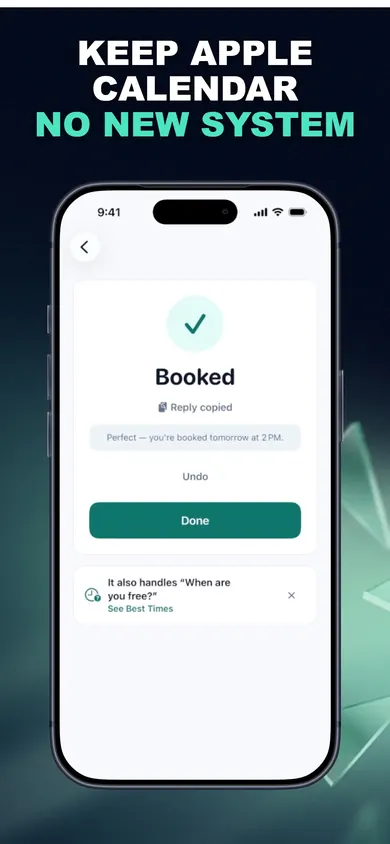
Yes. Your own Calendar app (Apple's guide) stays the source of truth. BookingSolved checks it, prepares the appointment, and saves nothing until you approve. It re-checks right before saving and won't create a duplicate if you tap twice.
No. There is no booking portal. Clients keep messaging you the way they already do, and you send every reply yourself.
Unclear dates are flagged, not guessed. You get an editable question to send back. It does understand phrasing like "in two hours", "between 10 and 1", "after lunch" and "Tuesday at two".
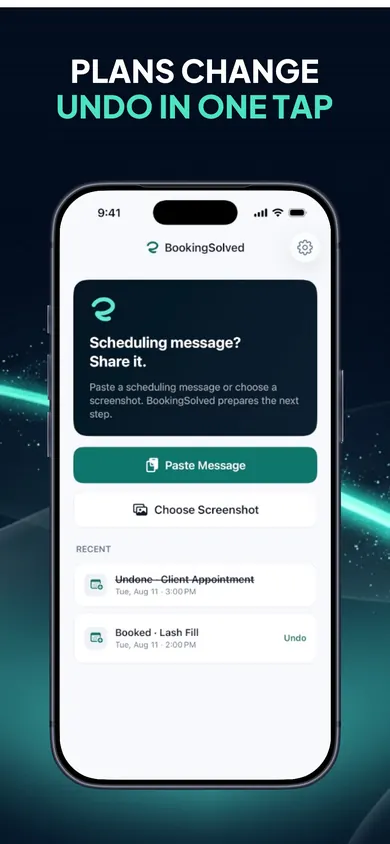
"Can we move it an hour later?" finds the existing appointment and shows a before-and-after preview. Cancellations show the exact event first. Undo checks that nothing changed in Calendar before reversing anything, and Undo is always free.
Requests and screenshots are processed on your iPhone and not uploaded, and there is no account. Purchases go through Apple and RevenueCat, which get an anonymous ID and purchase status, never your messages or Calendar data.
It is free to download, and your first 3 completed actions are free so you can try the whole flow. BookingSolved Pro, monthly or yearly, adds unlimited bookings, reschedules and cancellations. The price is shown in the app before you buy.
You asked
BookingSolved
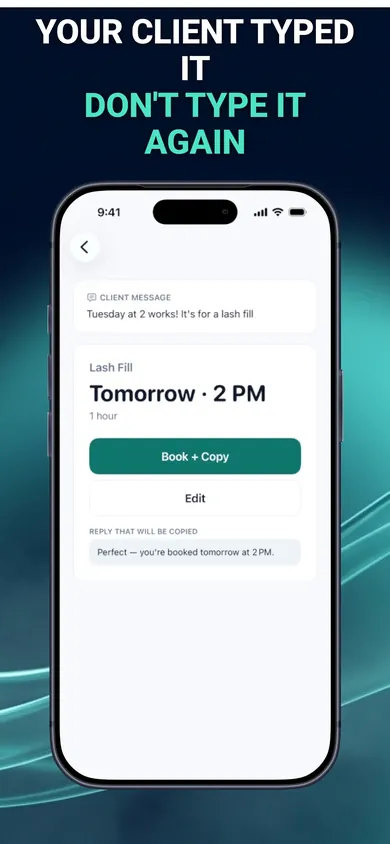
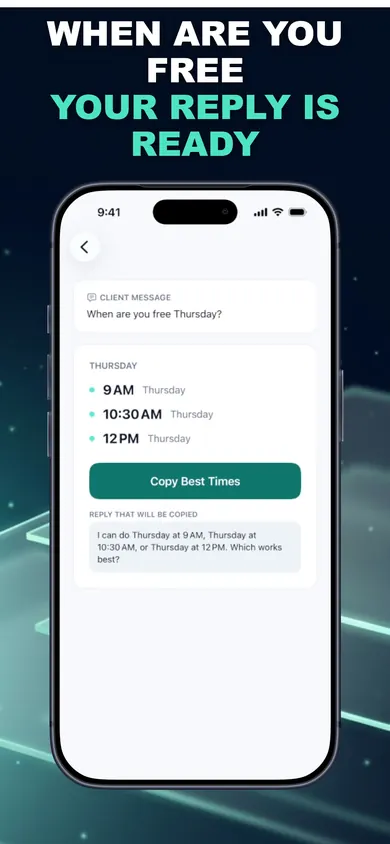
More real screens from the App Store listing. Swipe for all four.
You asked
BookingSolved
The four messages from the sorter above, as BookingSolved prepares them. You approve each one and send the reply yourself.
Could I book Tuesday at 2? It’s for a lash fillBook: Tuesday, 2 PM, Lash Fill, 1 hour. Reply: “Perfect, you’re booked Tuesday at 2 PM.”
When are you free Thursday?Open times: 9 AM, 10:30 AM or 12 PM, inside your hours and around existing bookings.
Can we move it an hour later?Reschedule: a before-and-after preview of the existing appointment. It moves only when you approve.
So sorry, I have to cancel FridayCancel: the exact event is shown first. Undo stays free.
You asked
BookingSolved
Fair question
BookingSolved
It also needs iOS 18 or later. It works on iPhone and iPad.
Free to download. Try the editable sample message first, then your first 3 actions are free.